Photo & Video · Since 2020
AI Photo Compressor: Cleanup
Free up storage. Keep the quality.
Compress one photo, a batch or your whole library, or let it run automatically on the days and times you choose, even offline. Originals can be backed up to the cloud or your NAS first.


- iPhone
- iPad
- Android
How it works
Three steps.
-
Step 1
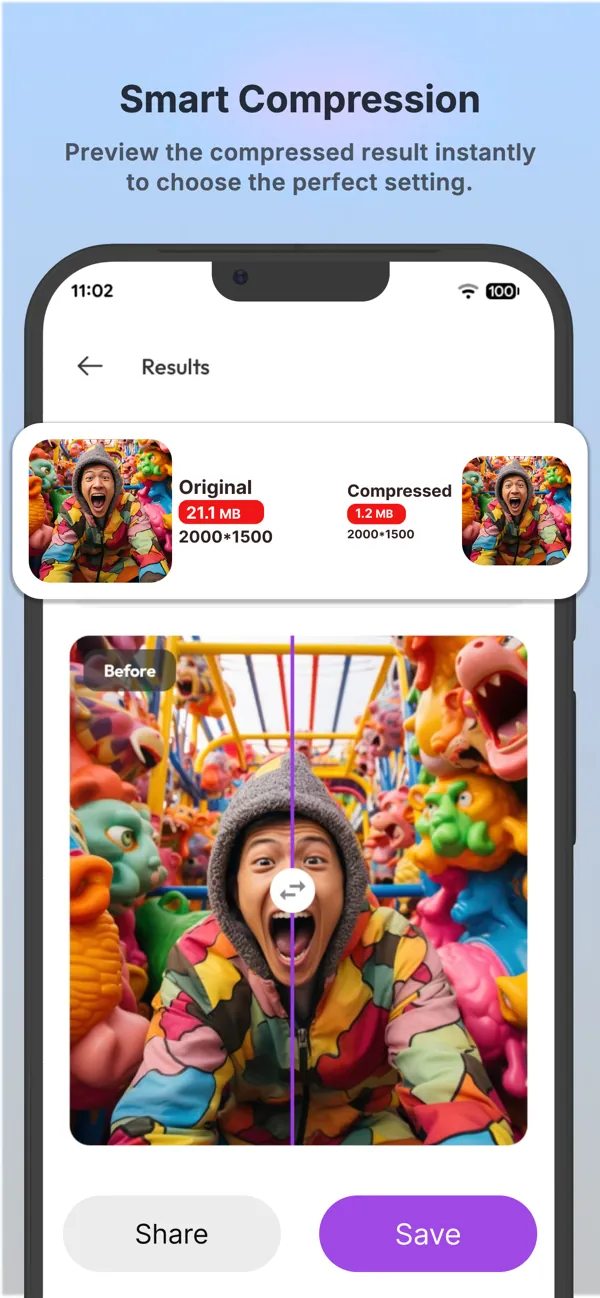
Pick your photos
Choose a single photo, a batch, or all photos. The default settings keep the same visual quality.
-
Step 2
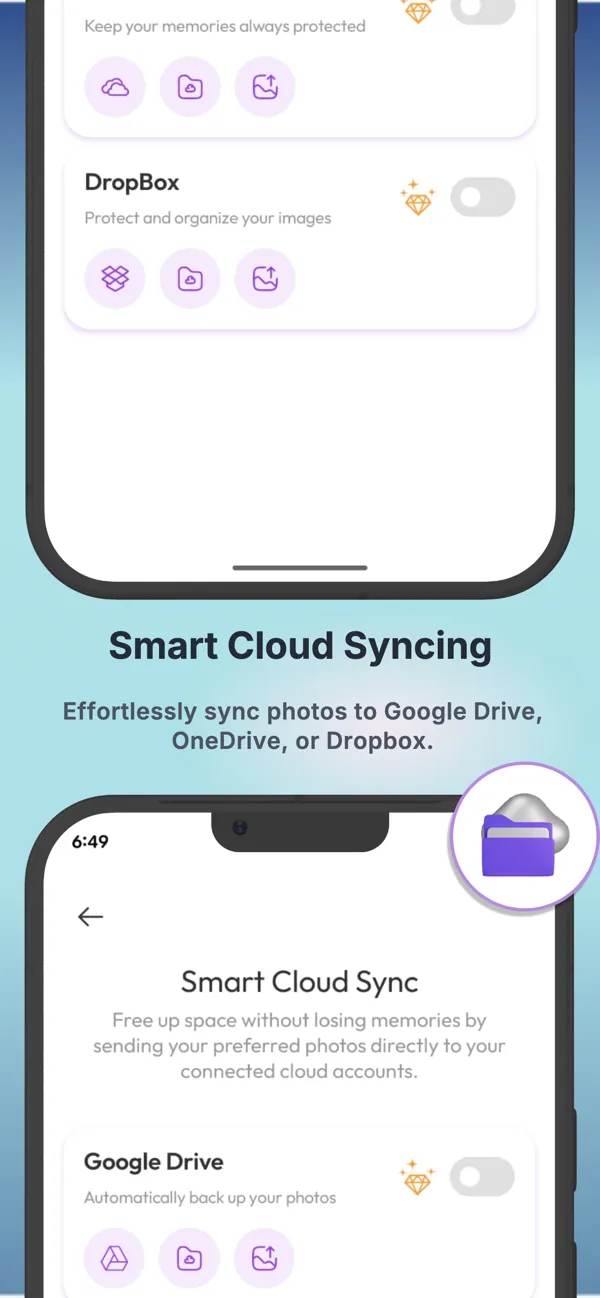
See what takes up space
Internal storage analysis shows where your space is going.
-
Step 3
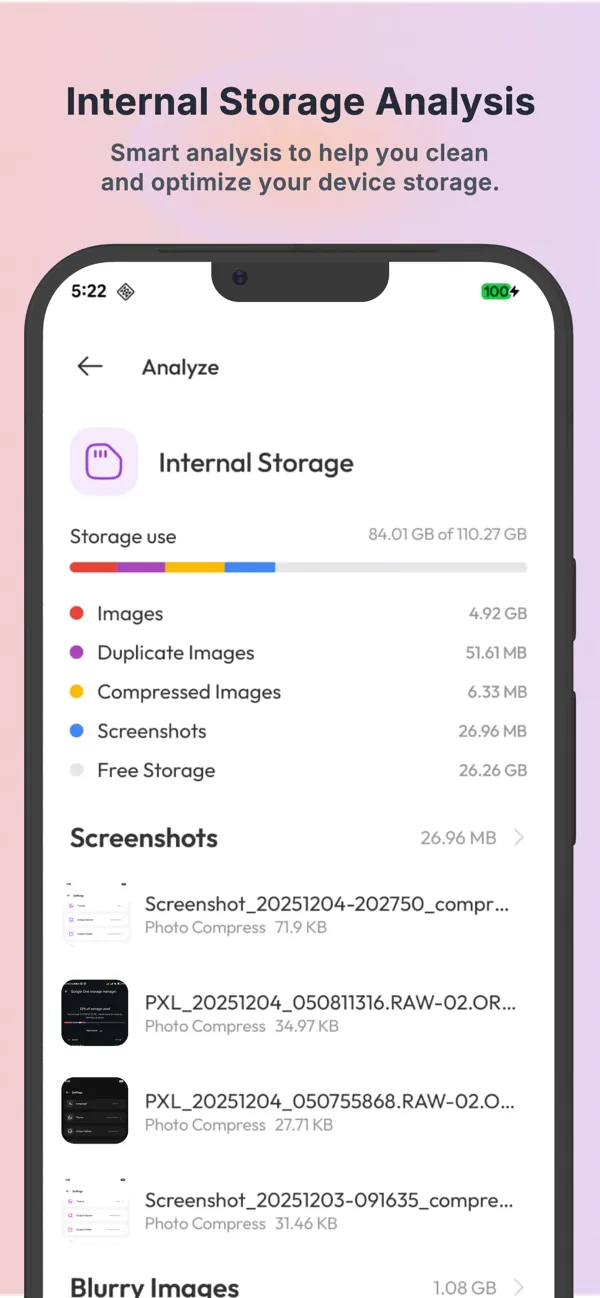
Back up, then compress on schedule
Originals are backed up to Google Drive, OneDrive, Dropbox or your NAS before compression, on the schedule you set.
Screenshots
See it in action.
Real screenshots from the App Store listing. Scroll sideways to see more.
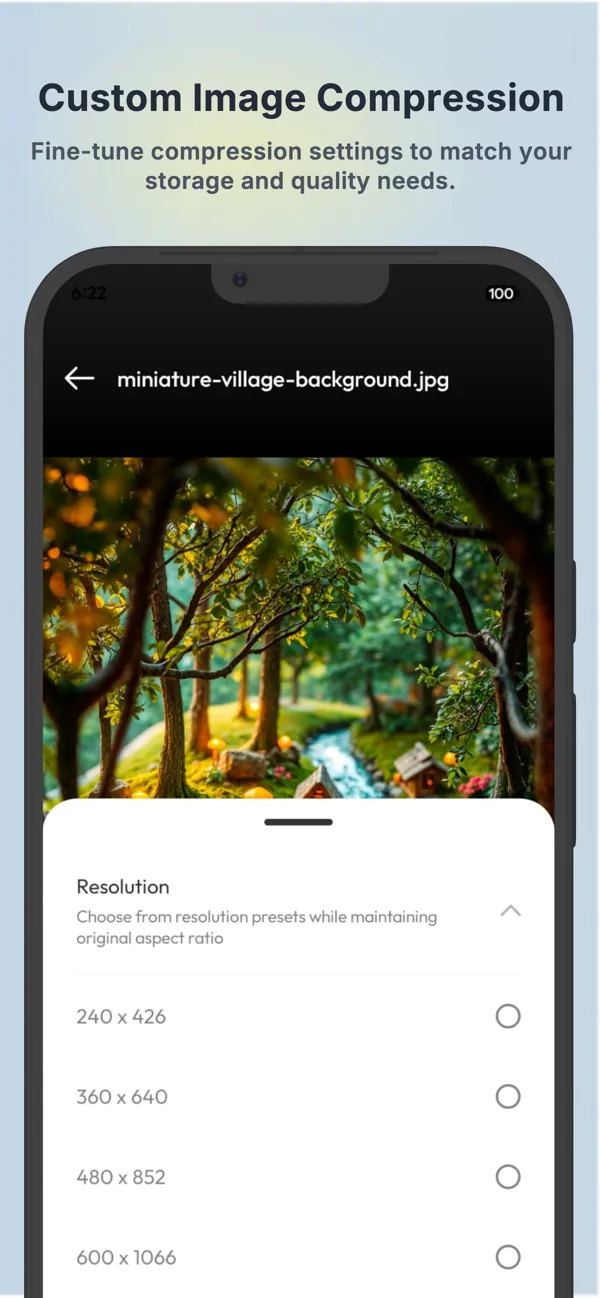
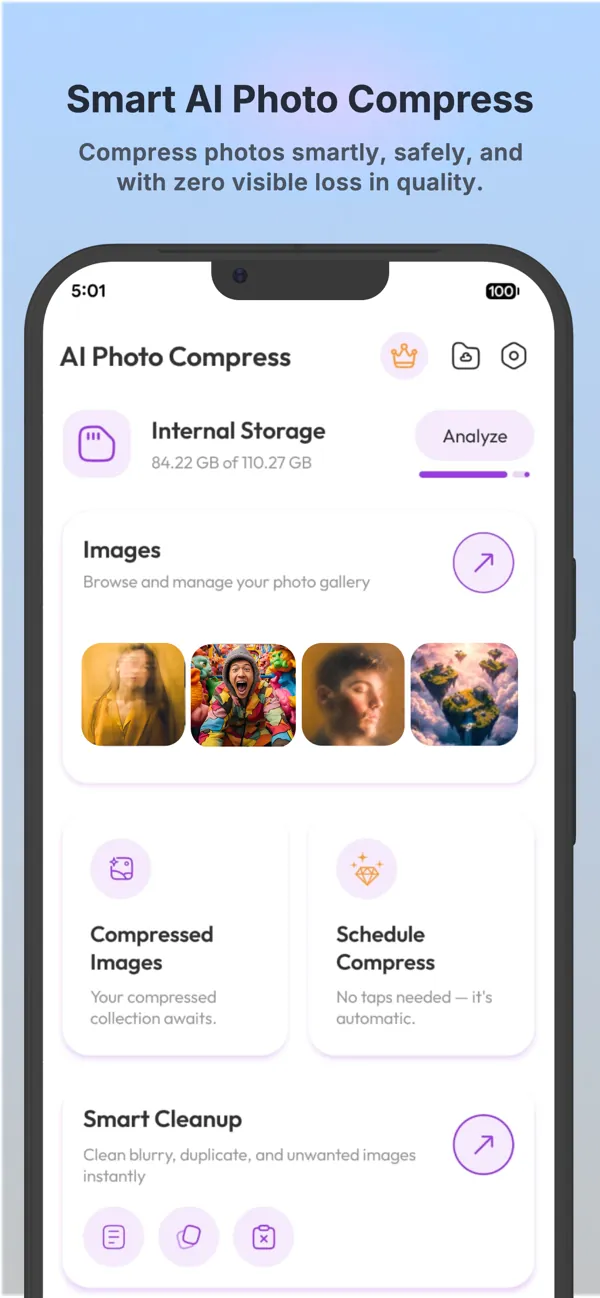
Smart compression Smart AI photo compression Custom image compression Internal storage analysis Smart cloud syncing 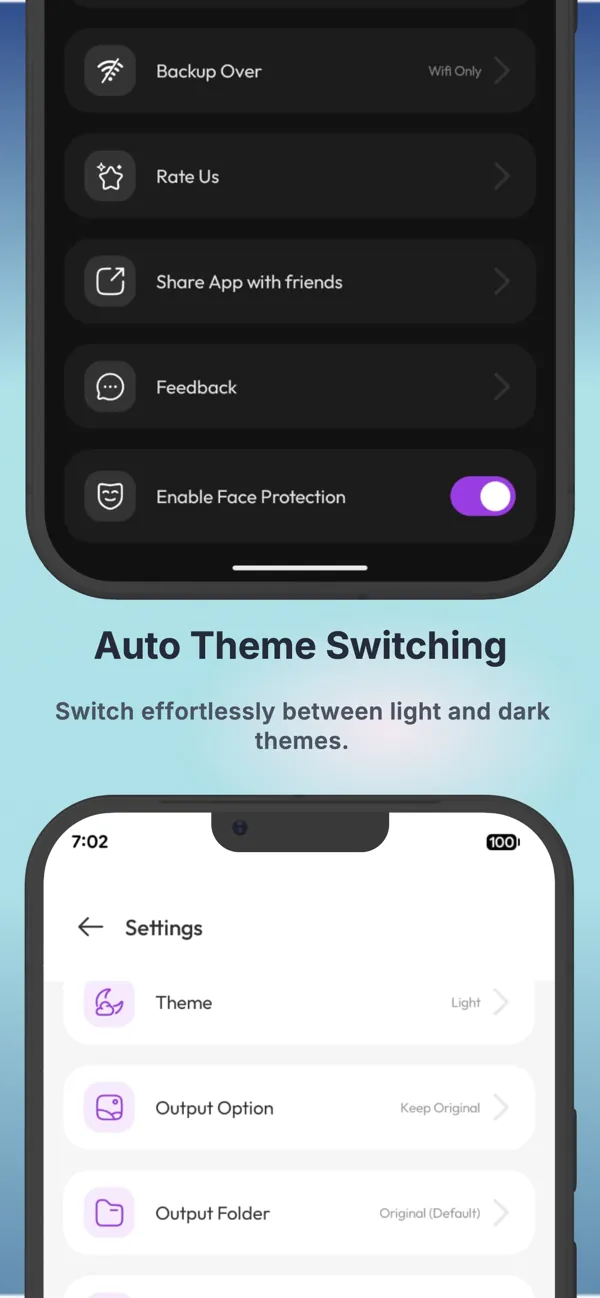
Automatic light and dark theme
Features
Everything it does.
Smart compression
Compress one, many or all photos in seconds, without visible quality loss.
Scheduled, even offline
Runs automatically on your chosen days and times.
Cloud and NAS backup
Google Drive, OneDrive, Dropbox and personal NAS are supported.
Custom compression
Compress to any size when you need a specific file size.
Storage analysis
See how your phone's storage is being used.
All common formats
JPEG, BMP, PNG, HEIF and HEIC.
Platforms
Where it runs.
Runs on iPhone and iPad (iOS 18.6 or later) and on Android phones.
- iPhone
- iPad
- Android
Questions
Good to know.
Will my photos look worse?
The default configuration is designed to preserve the same visual quality after compression.
Does it work offline?
Yes. Both manual and scheduled compression work offline.
What happens to my originals?
With backup turned on, the original high-resolution photos are saved to your cloud storage or NAS before they are compressed. Scheduling and backup are Premium features.
Which formats are supported?
JPEG, BMP, PNG, HEIF and HEIC.
Get AI Photo Compressor today
Free to download on the App Store and Google Play.