Utilities · Since 2021
ClipPaste: Universal Clipboard
Copy on one device. Paste on another.
Copy text, images or documents on your iPhone, iPad, Mac or Android device and paste them on your other devices signed in to the same account.



- iPhone
- iPad
- Mac
- Android


How it works
Three steps.
-
Step 1
Copy anything
Copy text or an image in any app, as you always do.
-
Step 2
It arrives on your other devices
Open ClipPaste and the item is sent to your other devices. You get a notification when a new clipboard arrives.
-
Step 3
Paste and keep track
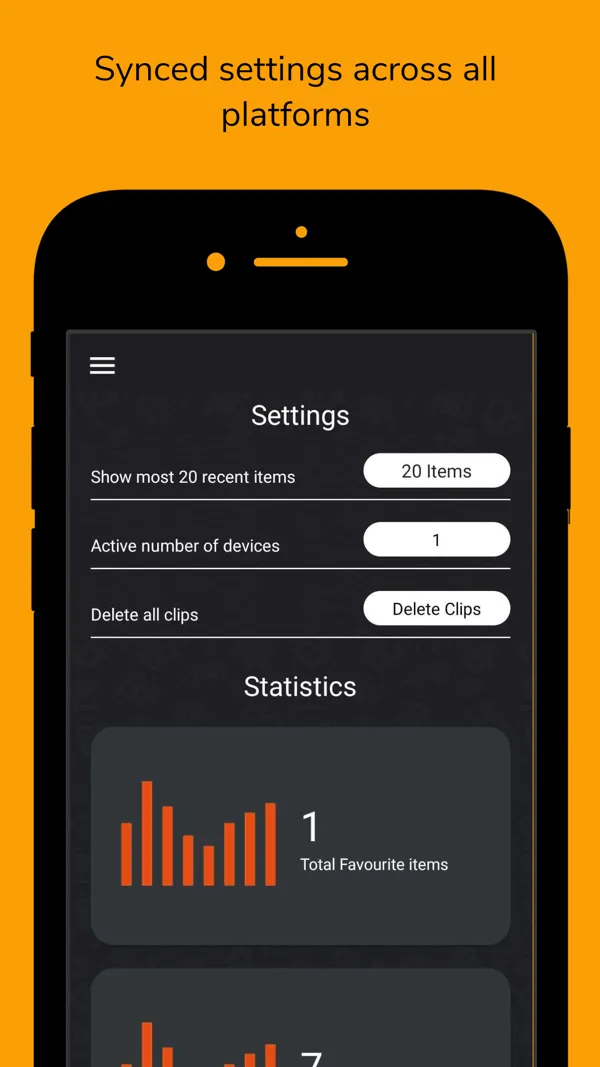
Paste on the other device. Received photos and files are saved automatically, and your history keeps favourites.
Screenshots
See it in action.
Real screenshots from the App Store listing. Scroll sideways to see more.
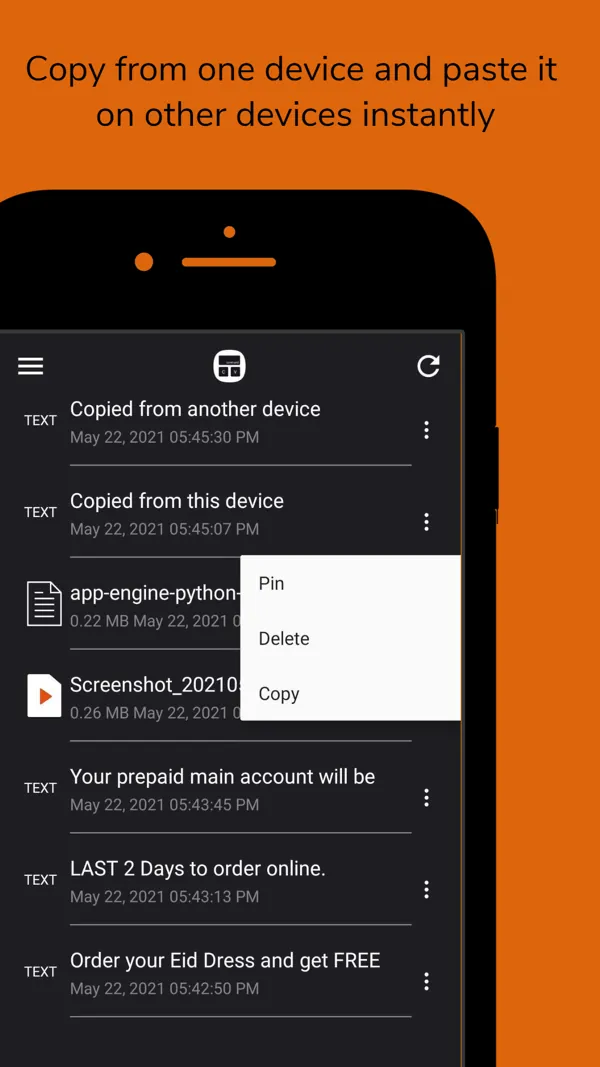
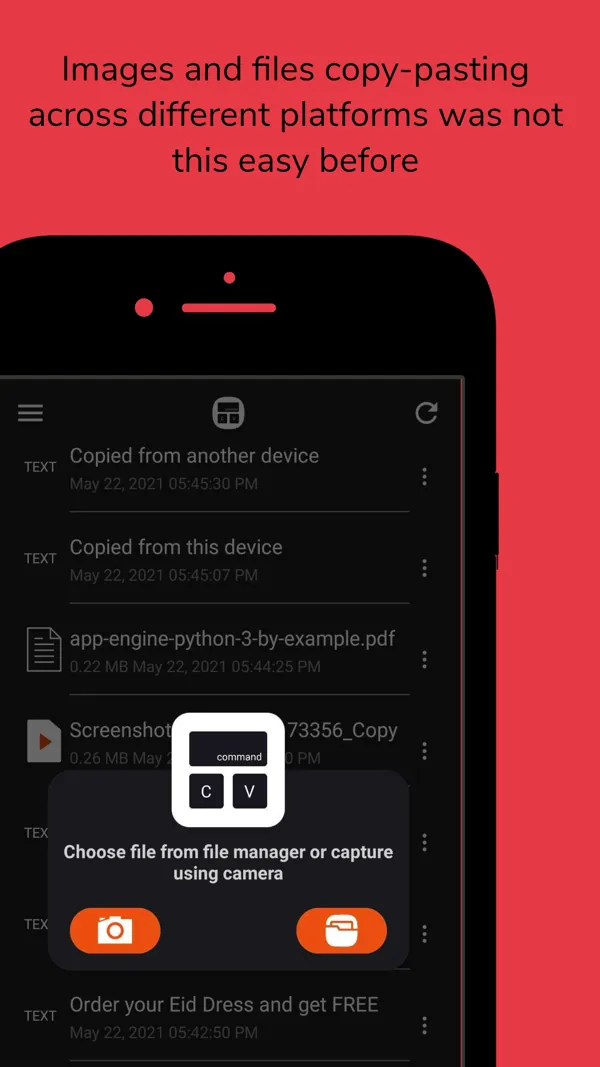
Copy on one device and paste on another instantly Copy and paste images and files across platforms Settings synced across all platforms Buy once, use premium on every platform Sign in to the Mac app by scanning a QR code
Features
Everything it does.
Text
Copy text and paste it on your other devices with the same account.
Images
Images under 5 MB in JPEG, BMP, PNG, HEIF and HEIC.
Documents
PDF, DOCX, XLS, XLSX, XML and CSV files up to 100 MB.
Camera and files
Send media straight from the camera or the file manager.
History and favourites
See everything you sent and received, and star what matters.
One plan, every platform
Subscribe on one platform and use premium features on all of them.
Platforms
Where it runs.
One App Store purchase covers iPhone, iPad and Mac (macOS 10.13 or later). Android is on Google Play.
- iPhone
- iPad
- Mac
- Android
Questions
Good to know.
Which devices are supported?
iPhone, iPad, Mac (macOS 10.13 or later) and Android.
Is there a size limit?
Images must be under 5 MB, and documents can be up to 100 MB.
How do my devices find each other?
Sign in with the same account on each device. The Mac app can be signed in by scanning a QR code with your phone.
Get ClipPaste today
Free to download on the App Store and Google Play.