Utilities · Since 2021
Veedify: Auto Compress Video
Smaller videos. The same great look.
Veedify shrinks your photos and videos to the smallest file size it can while keeping them looking great, by hand or automatically at the time you choose.


- iPhone
- iPad
- Android
- Web
How it works
Three steps.
-
Step 1
Select photos and videos
Pick one item, a batch or everything in your storage.
-
Step 2
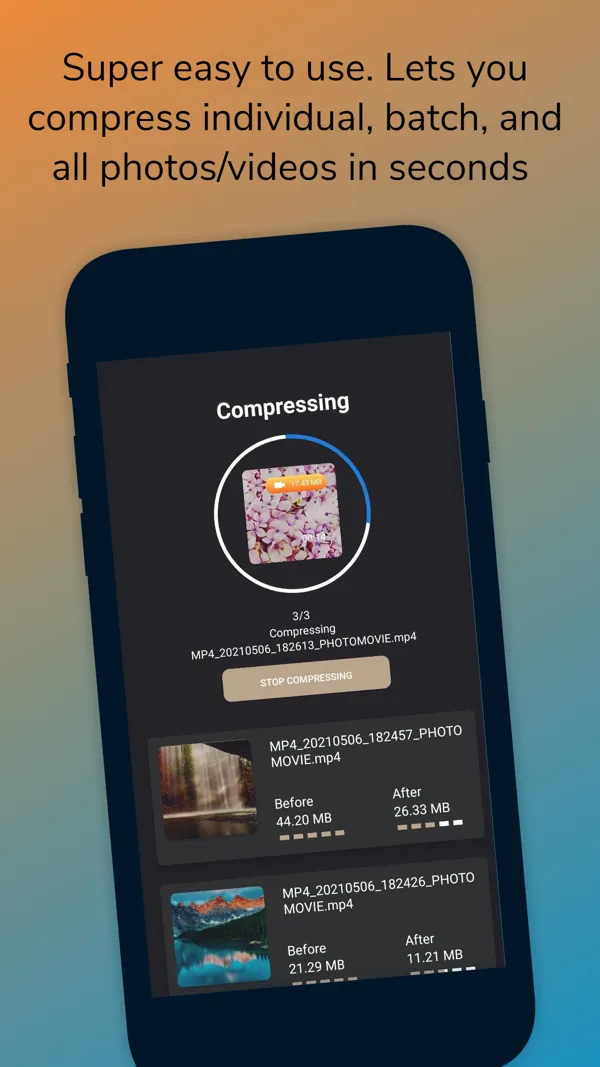
Slide to compress
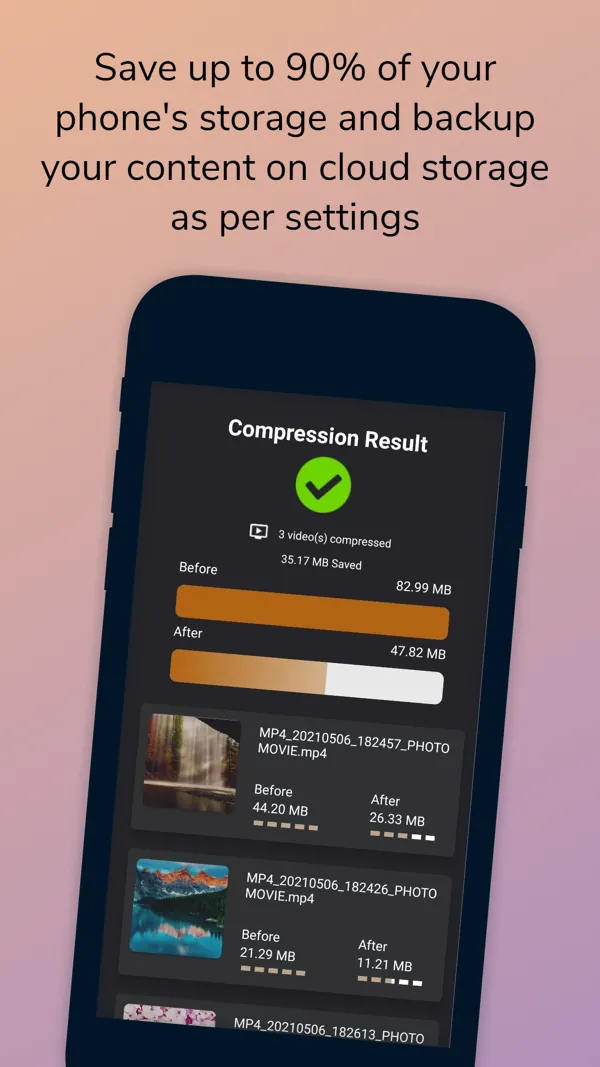
Slide the compress bar and Veedify saves the smaller files to their folders, ready to share.
-
Step 3
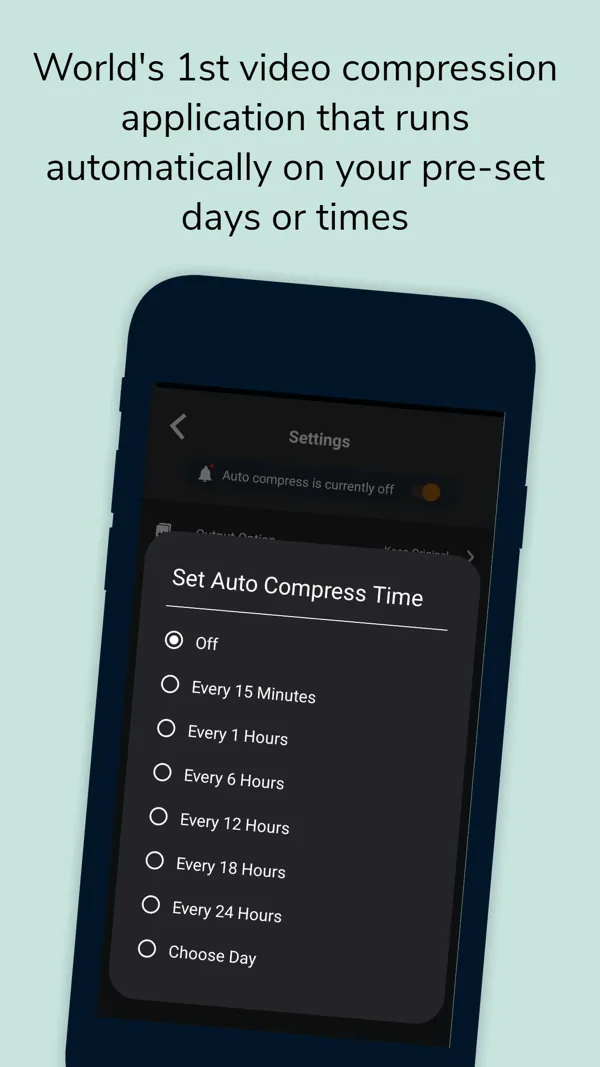
Or let it run on a schedule
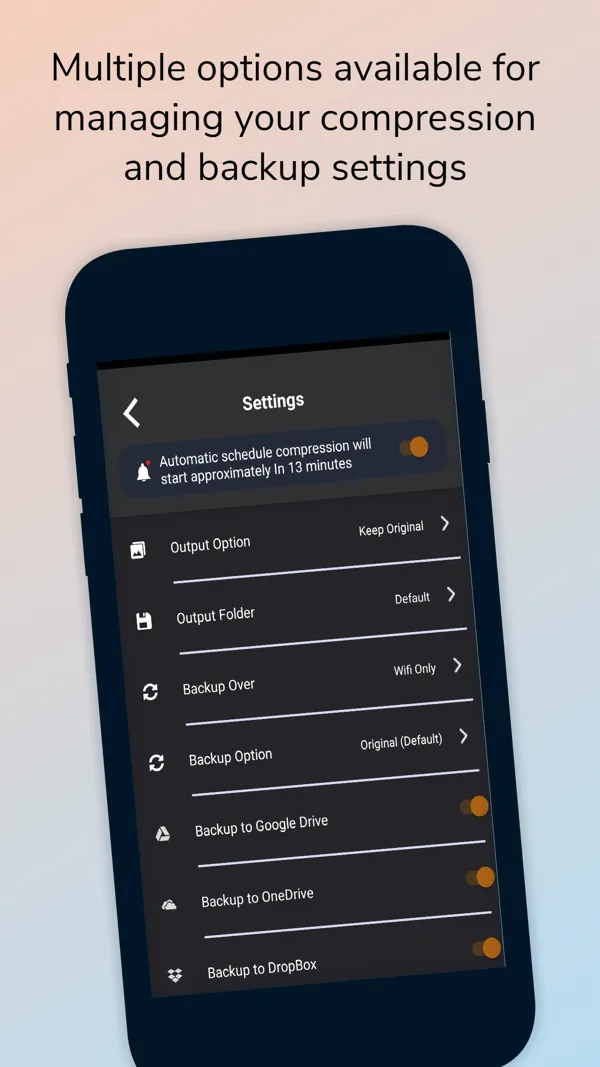
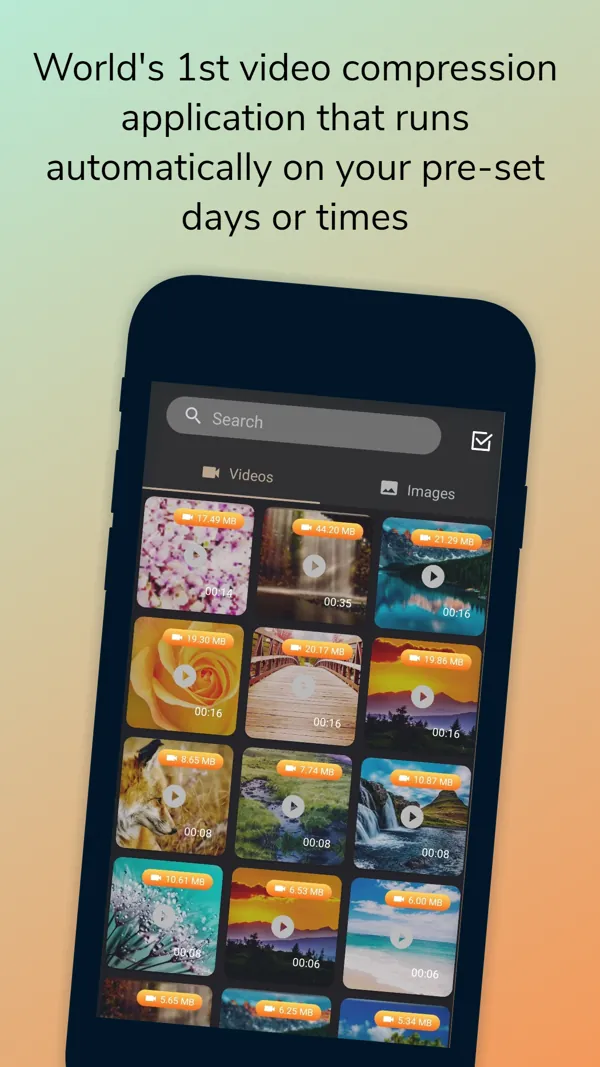
Choose a time and Veedify compresses automatically, with options for compression and cloud backup.
Screenshots
See it in action.
Real screenshots from the App Store listing. Scroll sideways to see more.
Video compression that runs automatically on your schedule Compress individual, batch or all photos and videos in seconds Save storage and back up to the cloud Options for compression and backup Automatic compression on your pre-set days and times
Features
Everything it does.
Automatic compression
Runs at the days and times you set.
Batch in seconds
Compress one, many or all photos and videos at once.
Video formats
MP4, M4V and MKV.
Image formats
PNG, JPG, JPEG, BMP, WEBP and HEIC.
Web app too
Use Veedify in the browser at veedify.com and unlock premium by scanning a QR code with the mobile app.
Share easily
Send the compressed files to friends and family.
Platforms
Where it runs.
Runs on iPhone and iPad (iOS 13 or later), on Android, and in the browser at veedify.com.
- iPhone
- iPad
- Android
- Web
Questions
Good to know.
Is Veedify free?
You can compress up to five items for free. Compressing more needs a premium subscription, from three months to lifetime.
Which formats are supported?
Videos: MP4, M4V and MKV. Images: PNG, JPG, JPEG, BMP, WEBP and HEIC.
Can I use it on a computer?
Yes. The Veedify web app at veedify.com has similar features to the mobile app.
Get Veedify today
Free to download on the App Store and Google Play.