Utilities · Since 2025
PDF Scanner: Document Scanner
Your paperwork, in one app.
Scan any paper into a clean PDF, copy the text with OCR, sign without printing, and let AI read your receipts and sort your files. Free to start, with optional Pro plans.


- iPhone
- iPad
- Android
How it works
Three steps.
-
Step 1
Scan any paper
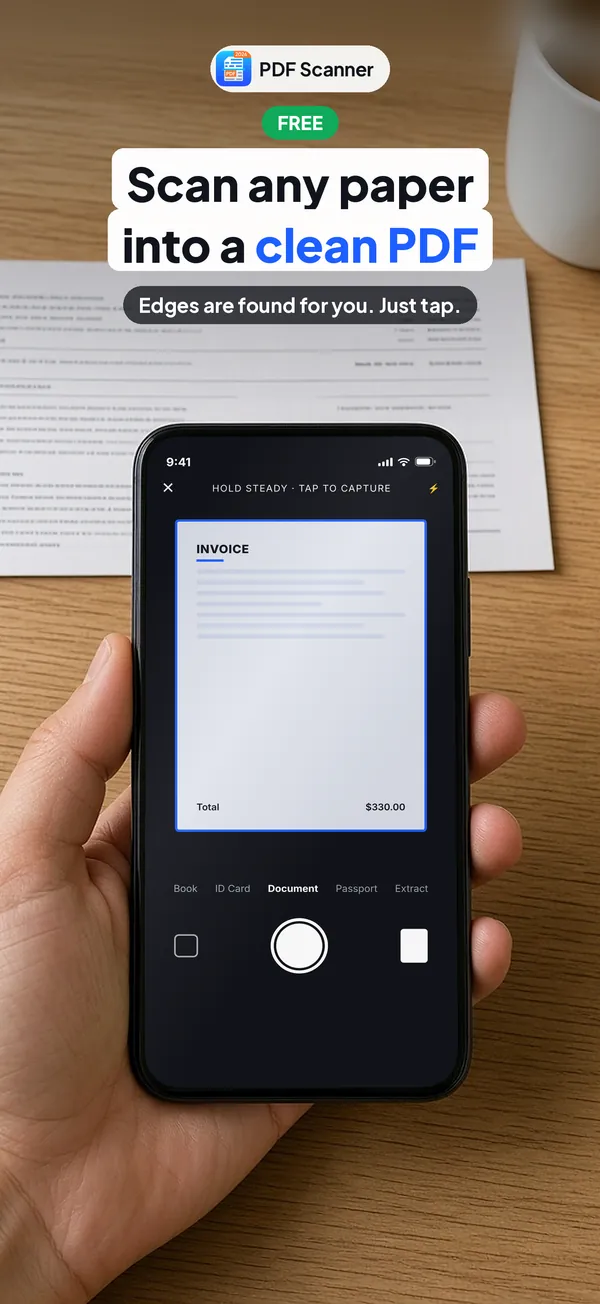
Point your camera and tap. Edges are found for you, and you get a clean PDF.
-
Step 2
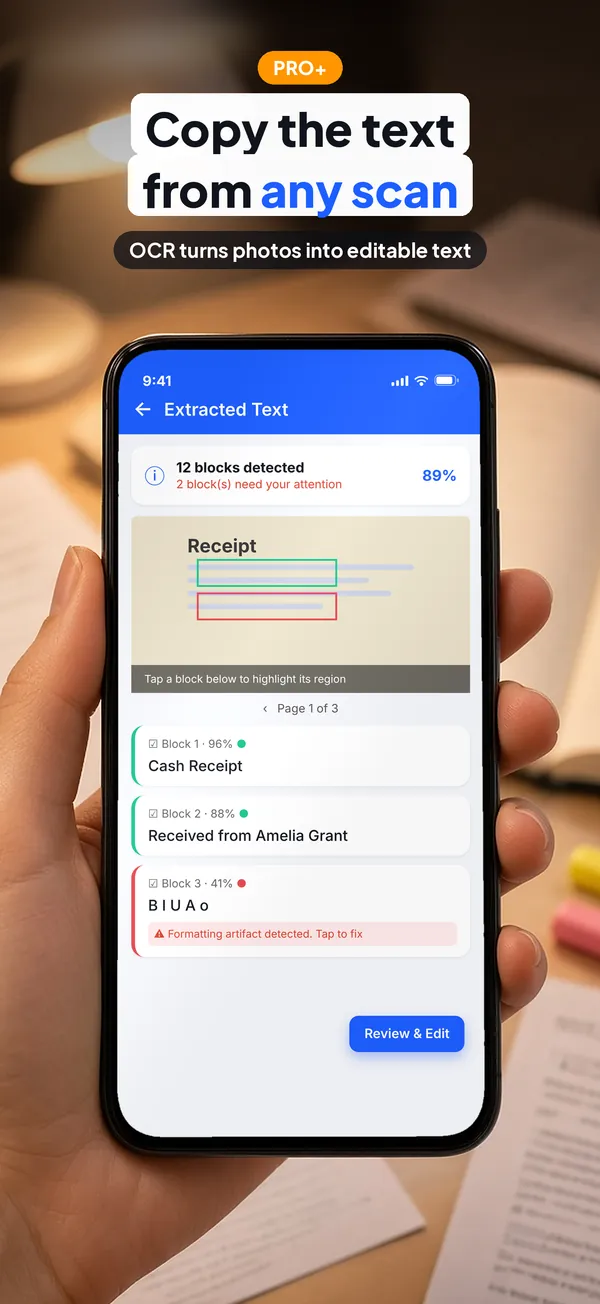
Copy the text
OCR turns photos into editable text you can copy and edit.
-
Step 3
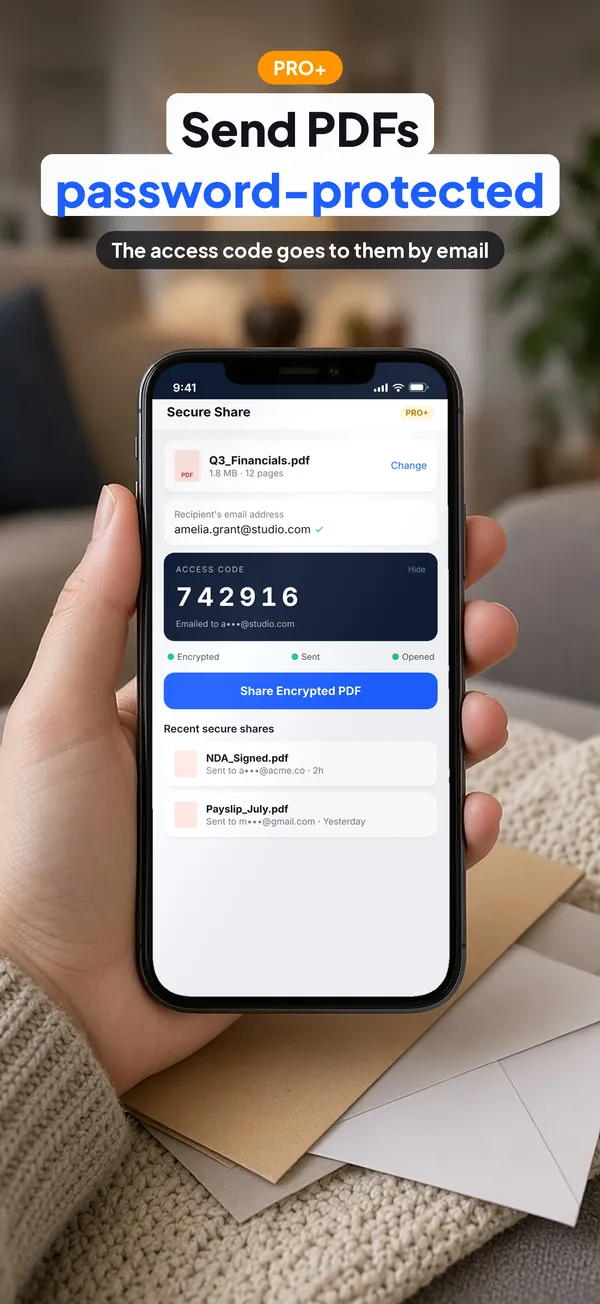
Send it securely
Send PDFs password-protected with Secure Share. The access code goes to the recipient by email.
Screenshots
See it in action.
Real screenshots from the App Store listing. Scroll sideways to see more.
Scan any paper into a clean PDF. Edges are found for you. Just tap. Copy the text from any scan. OCR turns photos into editable text 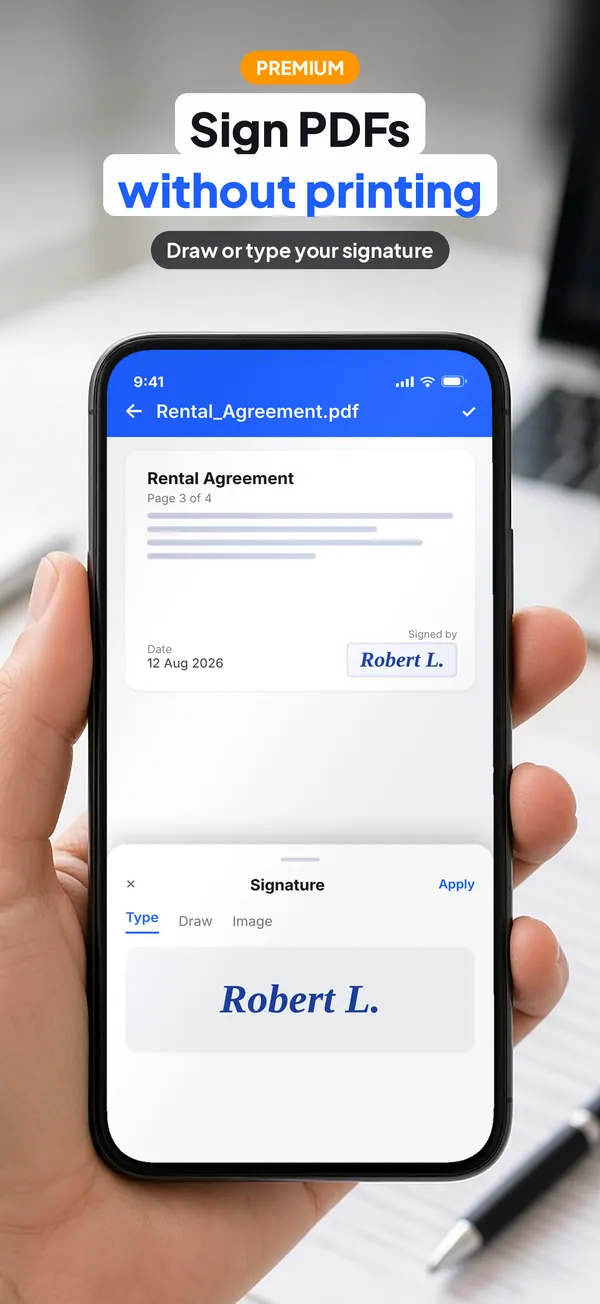
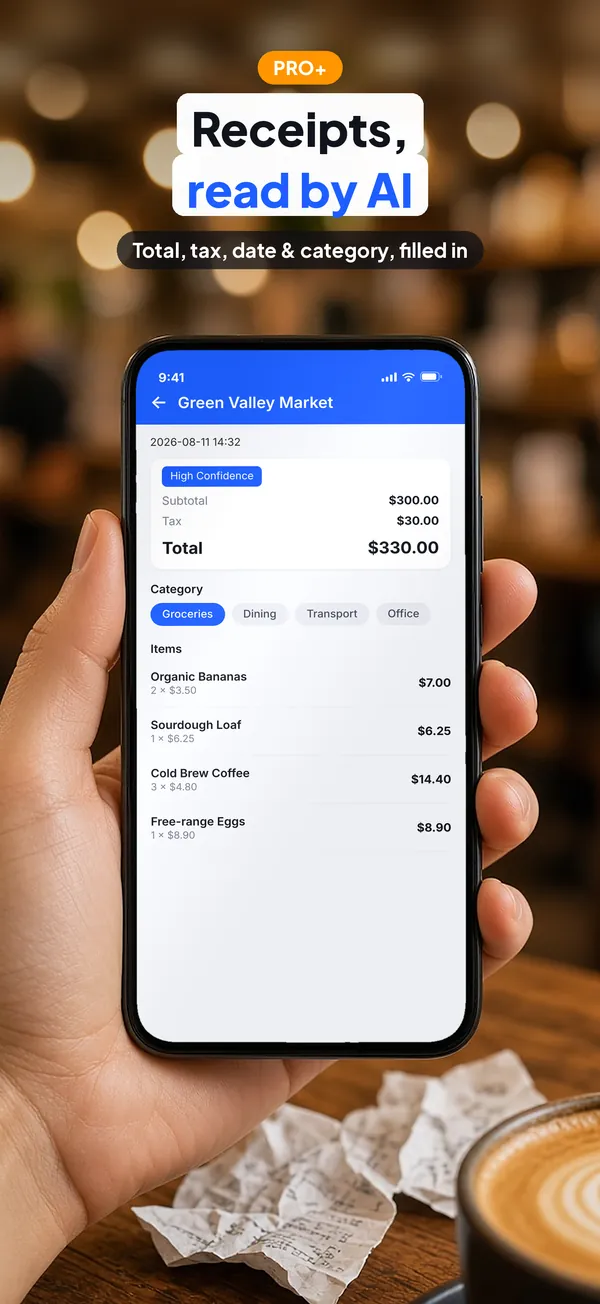
Sign PDFs without printing. Draw or type your signature Receipts, read by AI. Total, tax, date & category, filled in Send PDFs password-protected. The access code goes to them by email 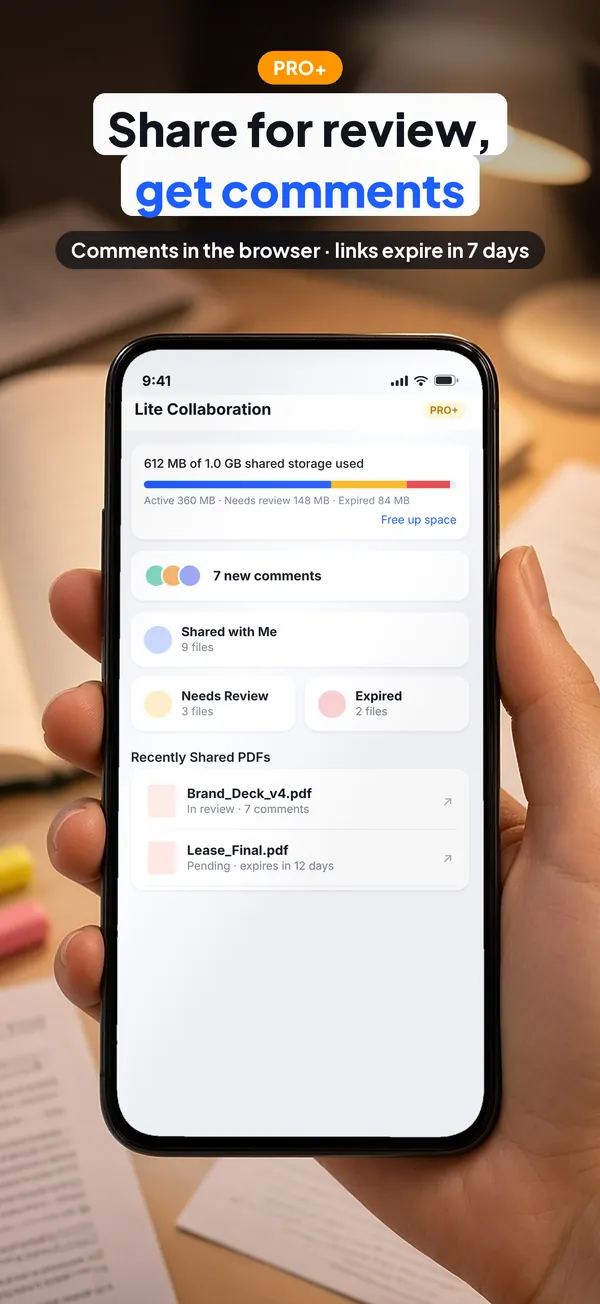
Share for review, get comments. Comments in the browser · links expire in 7 days 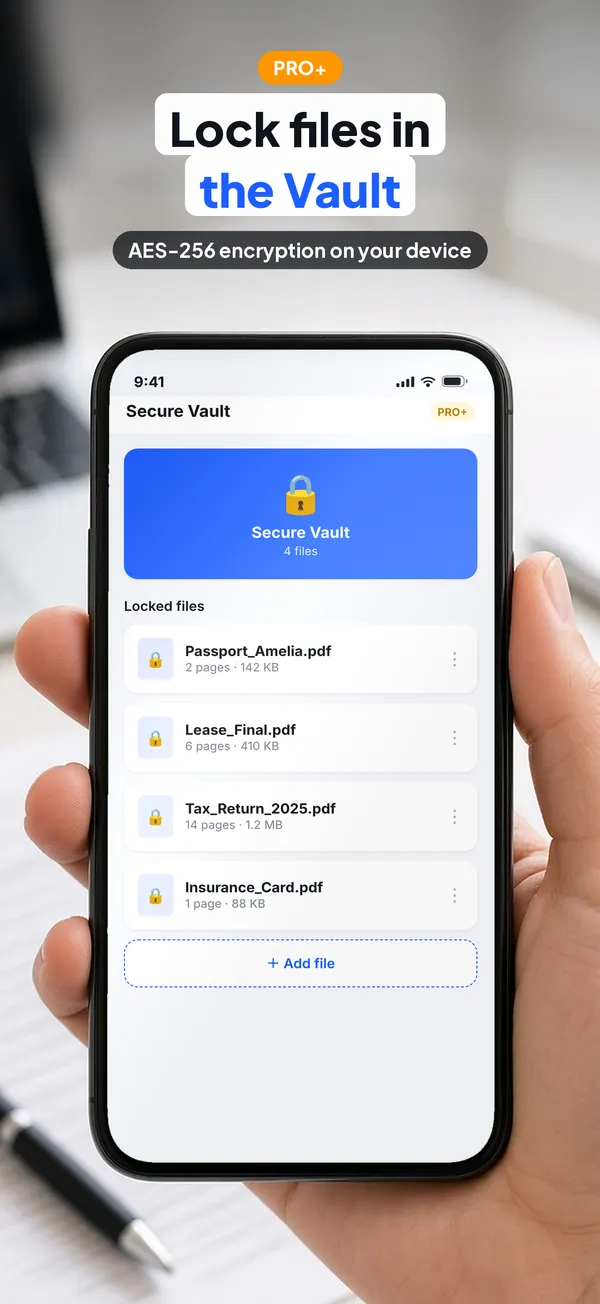
Lock files in the Vault. AES-256 encryption on your device 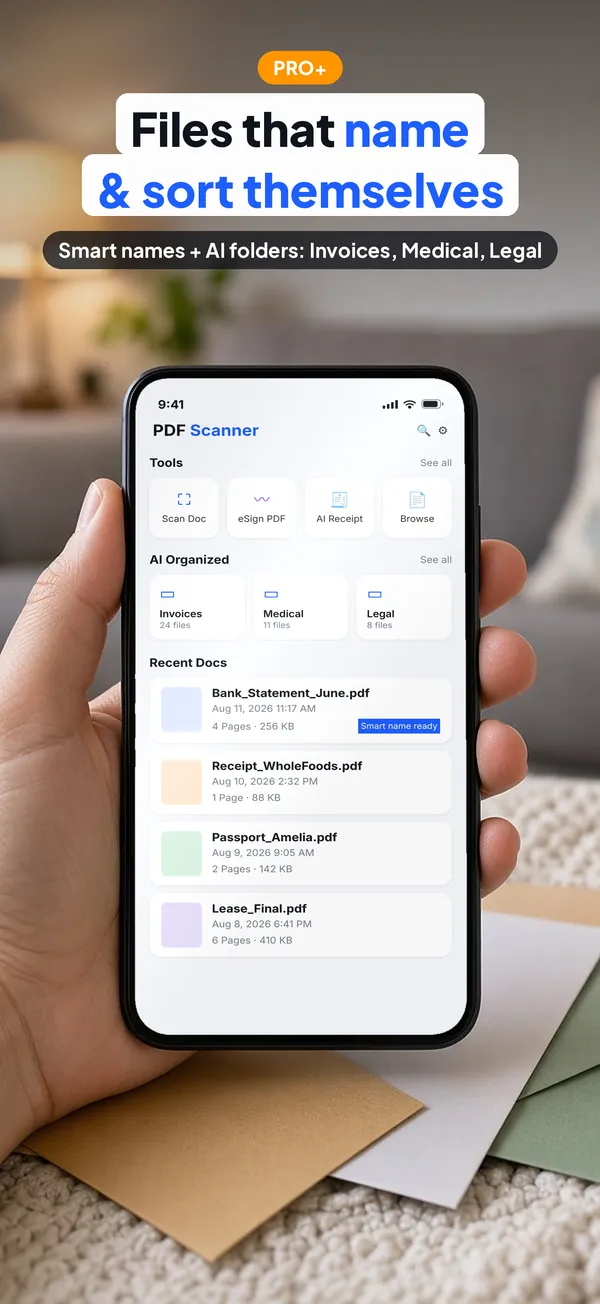
Files that name & sort themselves. Smart names + AI folders: Invoices, Medical, Legal 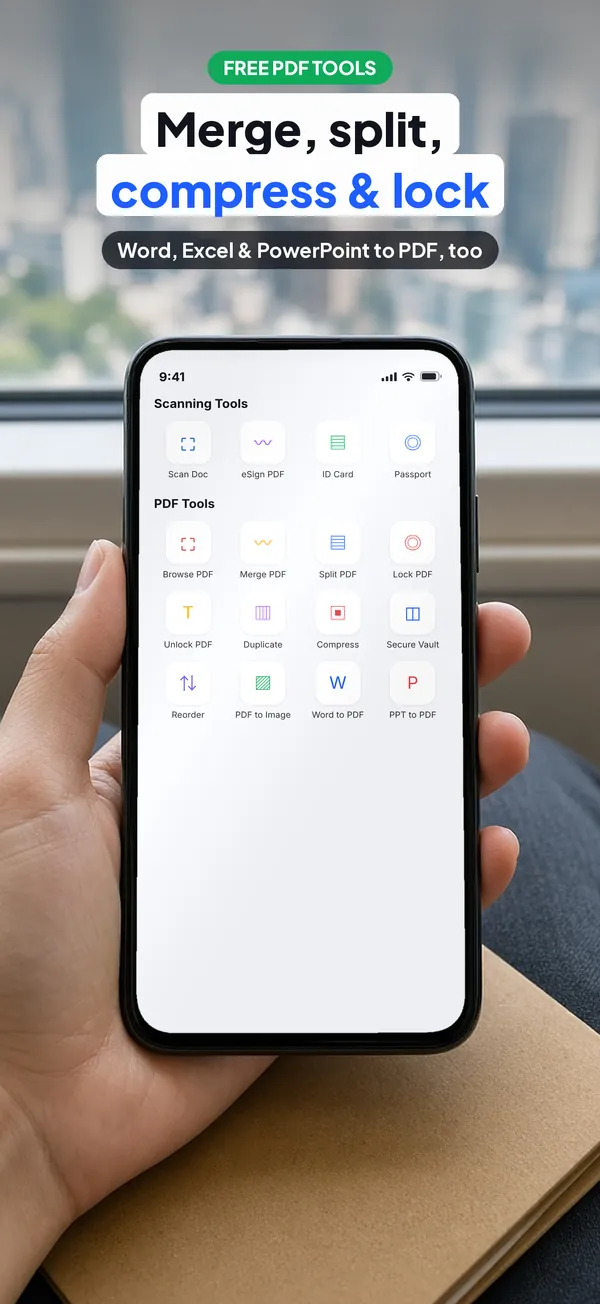
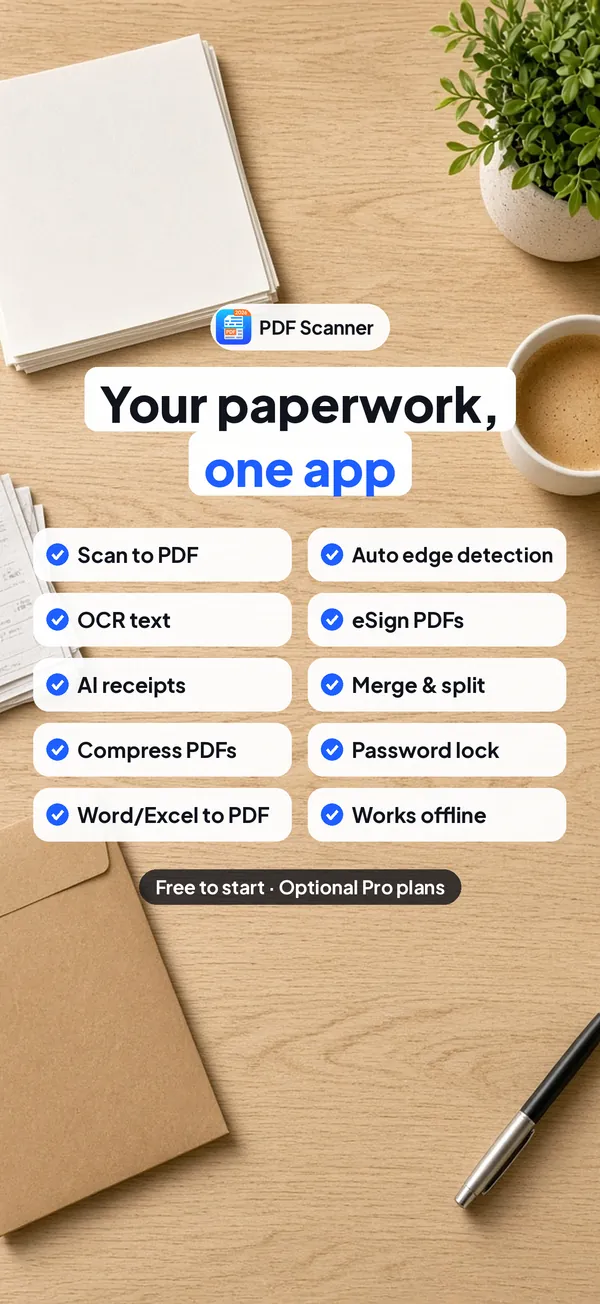
Merge, split, compress & lock. Word, Excel & PowerPoint to PDF, too Your paperwork, one app. Free to start · Optional Pro plans
Features
Everything it does.
OCR text
Copy the text from any scan and edit it.
eSign
Sign PDFs without printing. Draw or type your signature.
AI receipts
Total, tax, date and category are filled in for you.
Vault
Lock important files in the Vault, protected with AES-256 encryption on your device.
Share for review
Collect comments in the browser. Review links expire after 7 days.
Smart names and AI folders
Files name and sort themselves into folders such as Invoices, Medical and Legal.
PDF tools
Merge, split, compress and lock PDFs, and convert Word, Excel and PowerPoint to PDF.
Secure Share
Send password-protected PDFs; the access code reaches the recipient by email.
Platforms
Where it runs.
Runs on iPhone and iPad (iOS 18.6 or later) and on Android phones.
- iPhone
- iPad
- Android
Questions
Good to know.
Is it free?
Yes, it is free to start. Scanning and the PDF tools are free, and optional Pro plans unlock features such as OCR, AI receipts, Secure Share and the Vault.
How are files in the Vault protected?
Files you lock in the Vault are encrypted on your device with AES-256.
How does Secure Share work?
You send a password-protected PDF, and the recipient receives the access code by email.
Does it work offline?
Yes. Scanning and converting work without Wi-Fi or mobile data.
Get PDF Scanner today
Free to download on the App Store and Google Play.